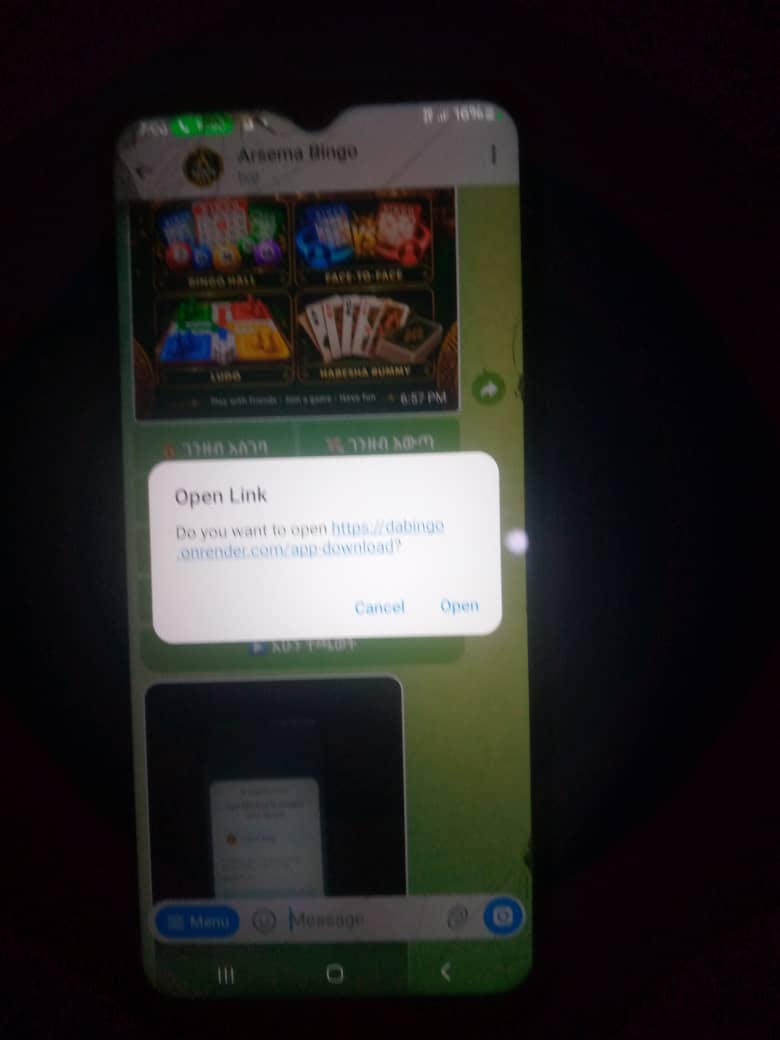
Step 1: Open the download page
If Telegram asks to open the Arsema Bingo download page, tap Open.
 ARSEMA BINGO
READY WHEN YOU ARE
Download the Android APK, open it on your phone, and follow Android’s install prompts. You can also play right away in your browser.
OFFICIAL APP INSTALLATION
Follow these four steps and check the app name and logo before installing.
If Telegram asks to open the Arsema Bingo download page, tap Open.
Download the APK from this official page, then open it from your browser’s Downloads list.
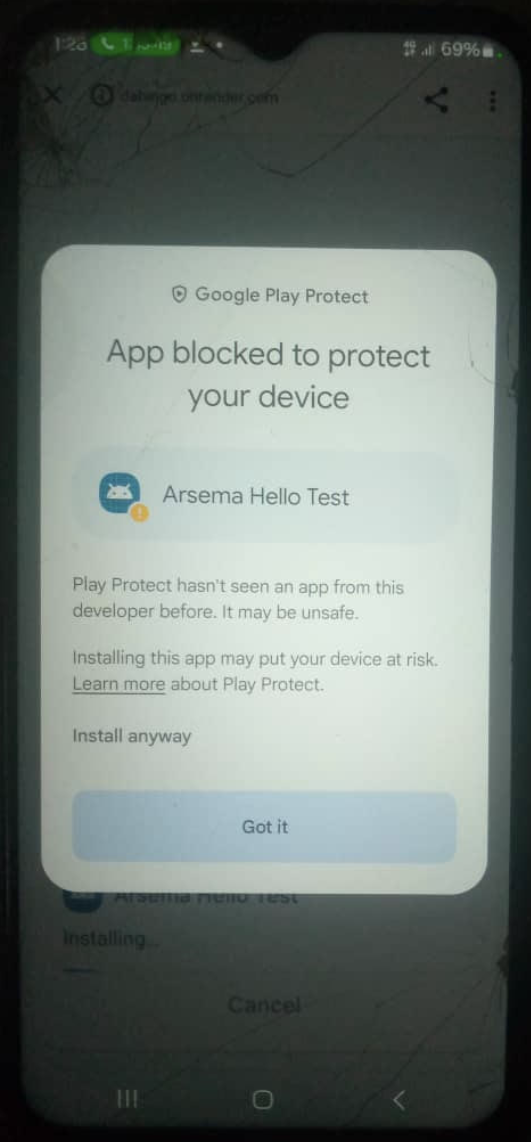
If Play Protect appears, tap More details to review the notice.
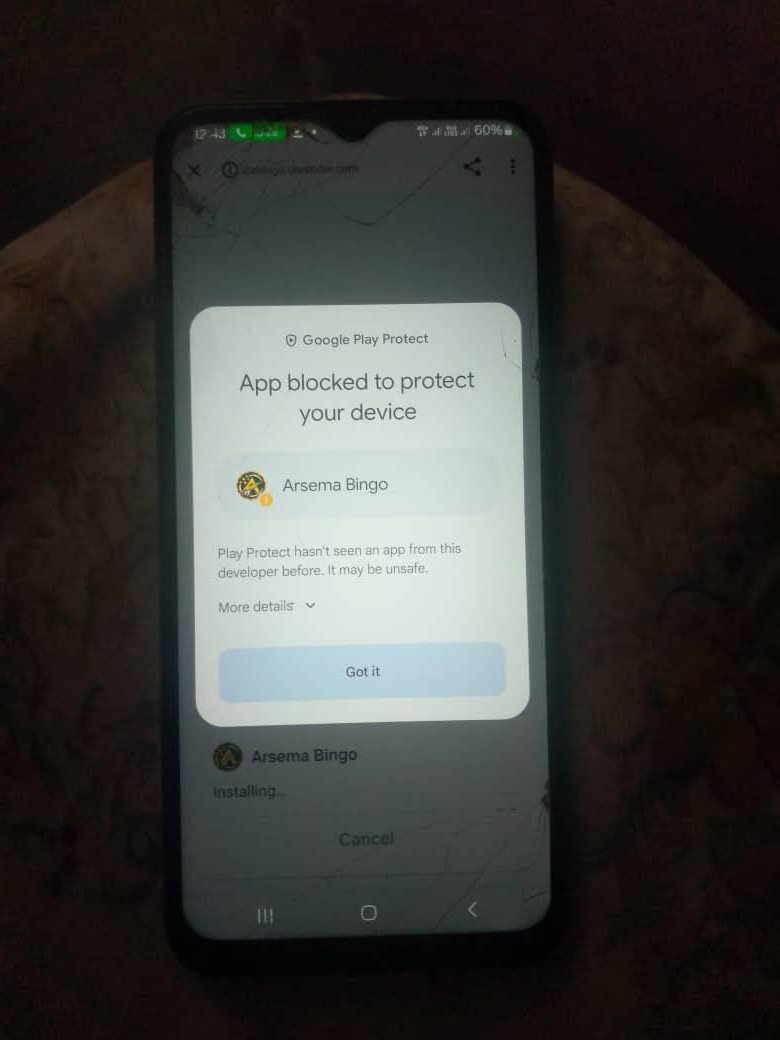
Continue only if the app name is Arsema Bingo, the logo matches, and you downloaded it from this official page. If Play Protect says it has not seen this developer before, review the details, then tap Install anyway if you choose to continue.
If the name or logo is different, tap Got it or Cancel and do not install.
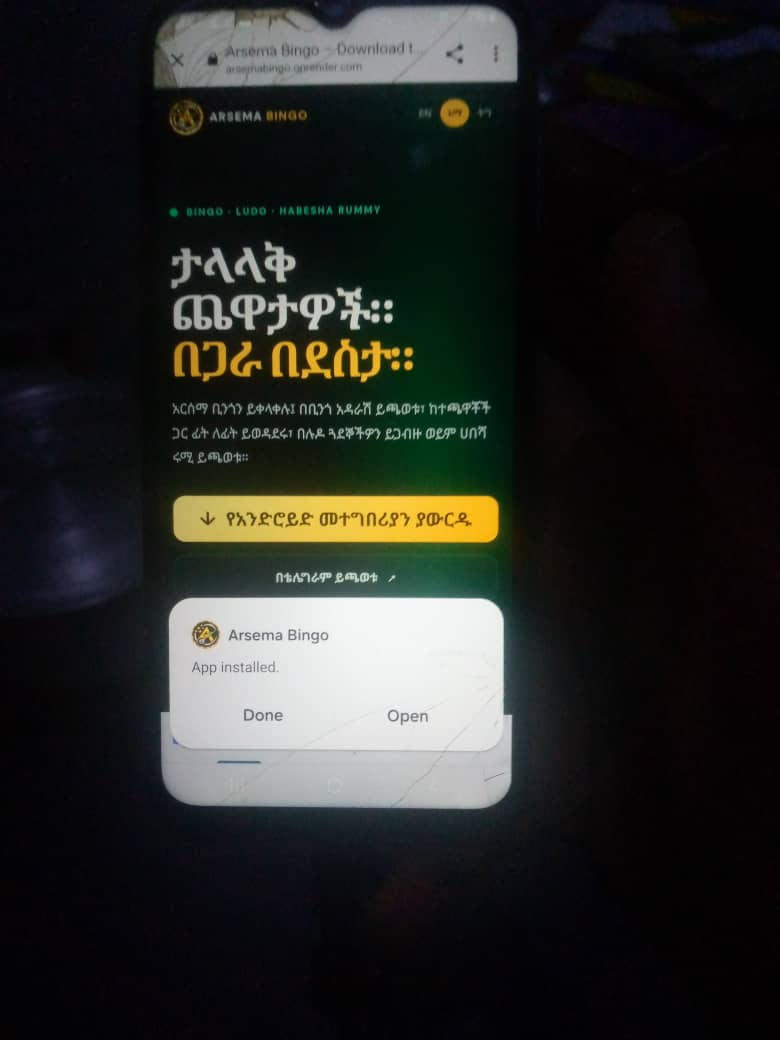
When Android says “App installed,” tap Open to launch Arsema Bingo.